WORK
BETTER.
Microsoft 365 support that helps your business get more from the tools it already relies on — from email and documents to collaboration, storage and everyday productivity.
YOUR BUSINESS
HAS THE TOOLS.
NOW MAKE THEM
WORK.
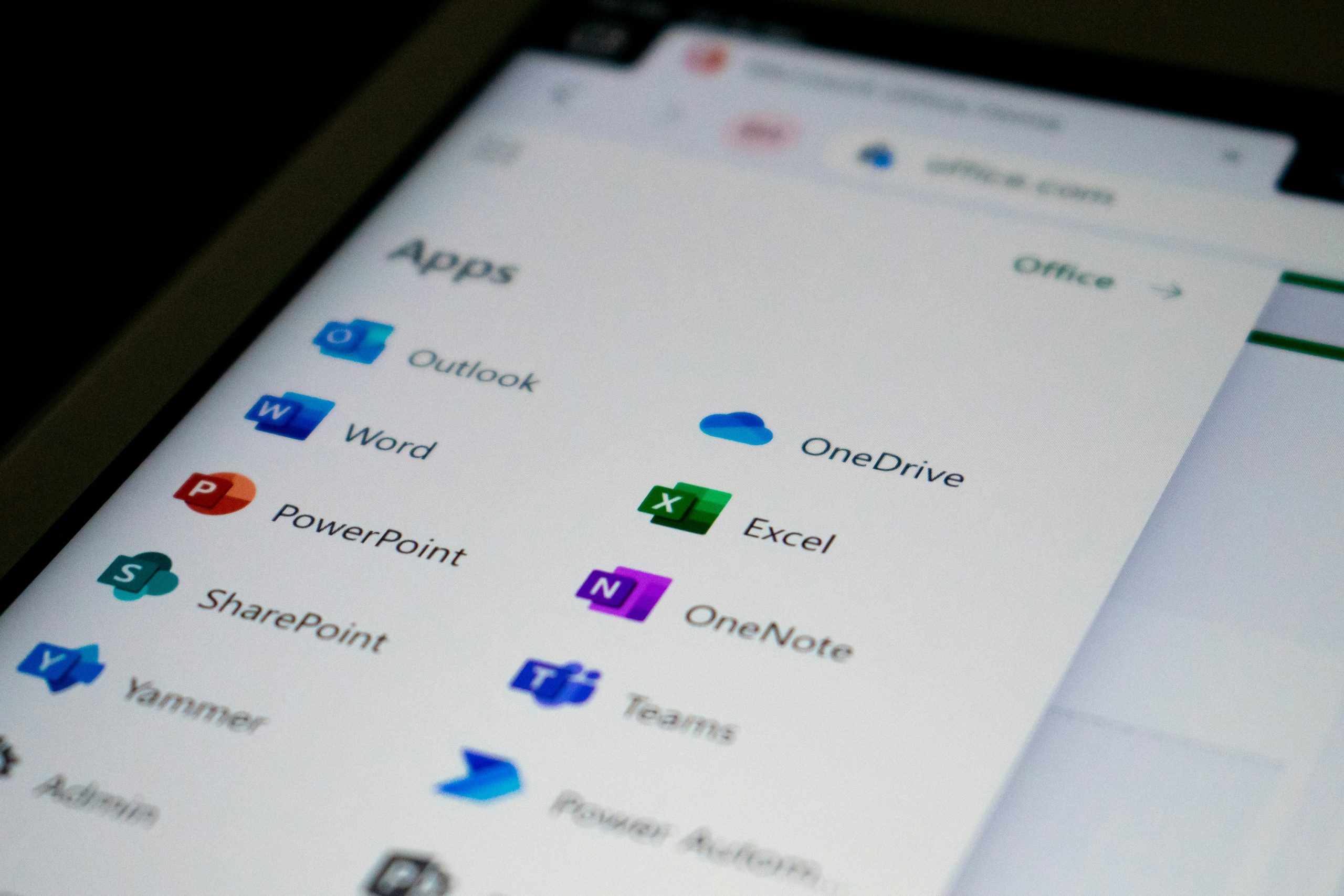
Microsoft 365 gives businesses access to a huge range of tools for communication, collaboration, productivity and managing information.
The challenge is making sure those tools are set up properly and used in a way that actually makes sense for your team. Email accounts, shared files, calendars, Teams, OneDrive and other services can quickly become confusing without the right structure.
We help businesses set up, manage and improve their Microsoft 365 environment — making it easier for your team to communicate, collaborate and get their work done.
GET MORE FROM
MICROSOFT 365.
Whether you’re moving to Microsoft 365, need help with an existing setup or simply want to make better use of the tools available, we can help.
MICROSOFT 365 SETUP
Get your Microsoft 365 environment configured properly, with users, services and settings organised around your business.
EMAIL & OUTLOOK
Help with business email, Outlook configuration, user accounts, mailboxes and common email problems.
MICROSOFT TEAMS
Set up and organise Teams to help your people communicate, collaborate and work together more effectively.
ONEDRIVE & SHAREPOINT
Help organise cloud files, shared documents and collaboration so your team can access the information they need.
USER & ACCOUNT MANAGEMENT
Help with adding users, managing access, configuring accounts and keeping your Microsoft 365 environment organised.
MICROSOFT 365 SUPPORT
Straightforward help when something isn’t working, you need to make a change or you’re not sure how to use a particular feature.
BRING YOUR
BUSINESS TOGETHER.
Microsoft 365 includes a wide range of tools designed to work together. We can help you understand which ones are useful for your business and make sure they’re configured in a practical way.
OUTLOOK
Business email, calendars and communication.
TEAMS
Communication, meetings and team collaboration.
ONEDRIVE
Personal business file storage and access across devices.
SHAREPOINT
Shared documents, collaboration and business information.
MICROSOFT 365
MADE SIMPLE.
Whether you’re starting from scratch or already using Microsoft 365, we’ll focus on what your business actually needs.
UNDERSTAND
We learn how your team works, what tools you currently use and what you’d like to improve.
PLAN
We’ll identify the right Microsoft 365 tools, structure and setup for your business.
SET UP
We’ll configure the environment, accounts and services and help get your team ready.
SUPPORT
We’ll be there when you need help, changes or guidance as your business grows.
GOT A MICROSOFT
365 QUESTION?
A few things businesses often ask us about Microsoft 365.
Microsoft 365 is a collection of cloud-based productivity and collaboration services from Microsoft. Depending on the plan and setup, businesses can use services such as Outlook, Teams, OneDrive, SharePoint, Word and Excel.
Yes. We can help businesses plan and manage a move to Microsoft 365, including account setup, email configuration, files and the wider transition to your new environment.
Absolutely. You don’t need to be a new Microsoft 365 customer. We can review your existing setup, help resolve problems and make improvements where your current configuration isn’t working as well as it could.
Yes. We can help configure Microsoft 365 business email, user accounts, Outlook and the associated settings needed to get your team communicating properly.
Yes. We can help you understand the difference between personal and shared storage and create a sensible structure for the way your team needs to access and collaborate on files.
Microsoft 365 includes tools that can support remote and hybrid working. We can help configure the services your team needs and make sure they’re set up in a practical and secure way.